Introduction

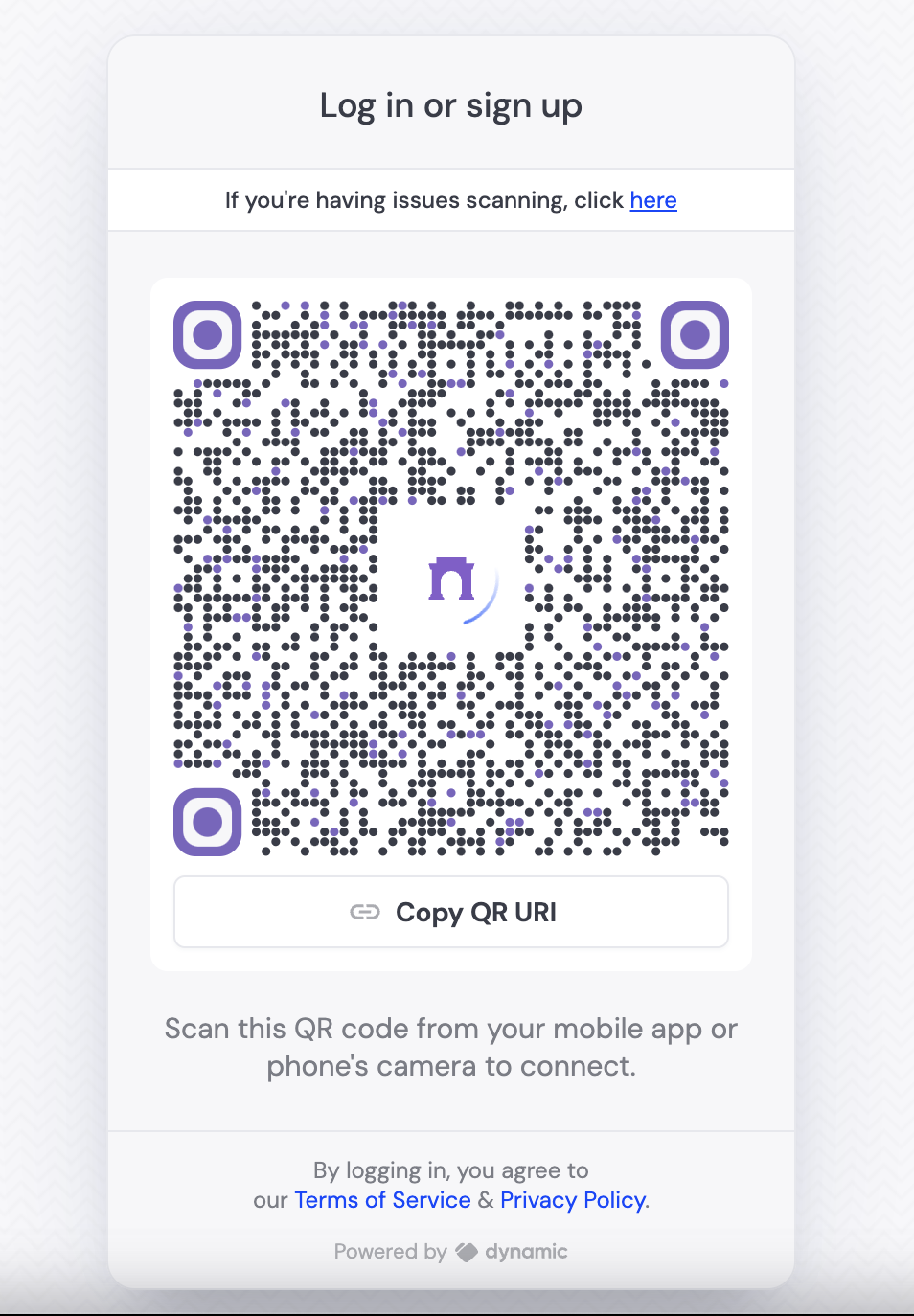
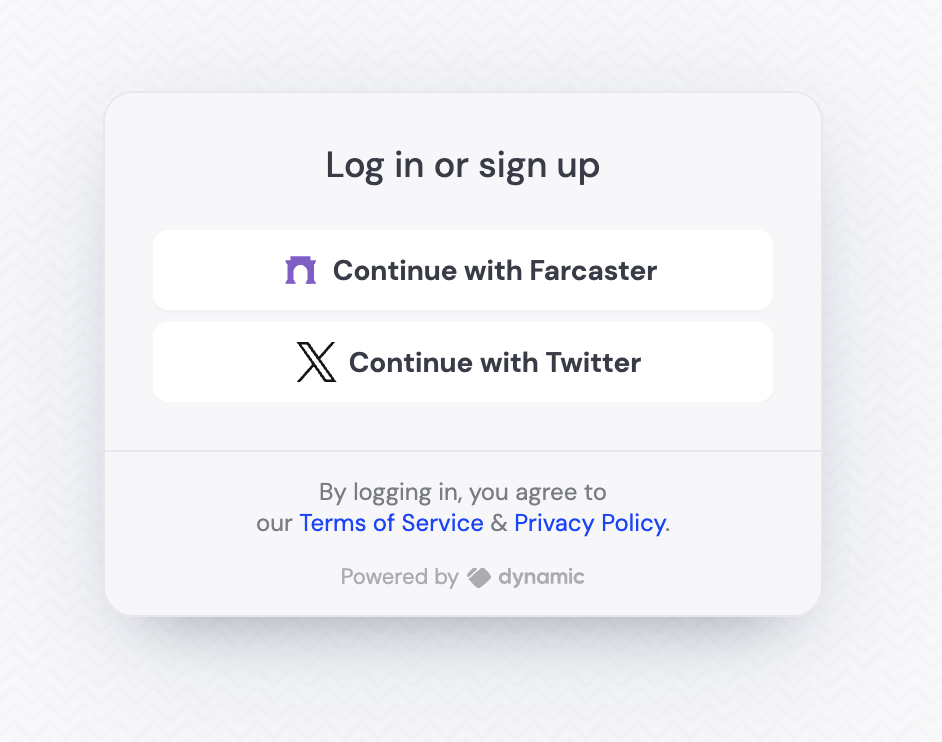
This tutorial will guide you through the process of enabling read-only access to Farcaster using the Dynamic SDK (if you need write access, see this guide). If you enable only social signup, and only Farcaster as a provider, the user will see the QR code immediately. If there are other providers enabled/other login methods, Farcaster will appear as a button, which will then open the QR code. Both UIs are shown below:

Video walkthrough

Step By Step Walkthrough

Enable Farcaster Signup

Visit Log in & User Profile page in the developer console and under “Social”, enable Farcaster.

Configure your Dynamic app

You don’t need to do anything extra in your Dynamic app to enable Farcaster sign-in. The Dynamic SDK will automatically handle the sign-in process for you. The easiest way of seeing the UI is to use the DynamicWidget UI component:
You’re done! Your users can now sign in with Farcaster.

Further resources

Last modified on September 16, 2026